Local preview only
Cosmetics display on your client for testing and content creation. Other players in your lobby see your actual inventory, not preview skins.
Extra portal modules

At a glance
What Unlock All focuses on before you open the full module list.
Plus 7 additional modules in the operator portal, see the full list below.
Overview
How this build fits Squad matches, combined-arms fights, and post-patch sessions.
Unlock All lets you preview weapons, uniforms, and attachments locally in Squad for content and testing, without modifying live Steam purchases.
Cosmetics display on your client for testing and content creation. Other players see your actual inventory, not preview skins. Included free with Elite; available standalone for cosmetic preview without combat modules.
Cosmetics display on your client for testing and content creation. Other players in your lobby see your actual inventory, not preview skins.
Skin Changer ships inside the Elite tier. Buy standalone here if you want cosmetic preview without full combat modules.
Modules
Every module and overlay shipped with Unlock All, toggle and tune in the operator portal.
Experience
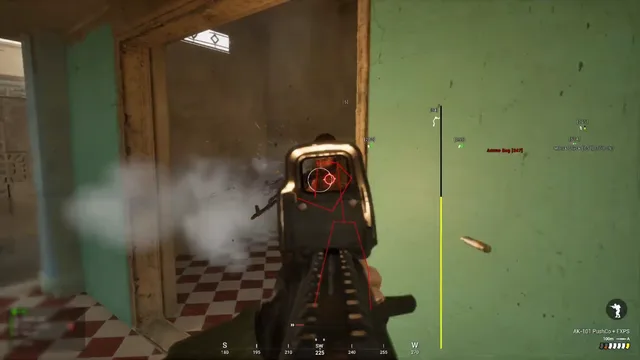
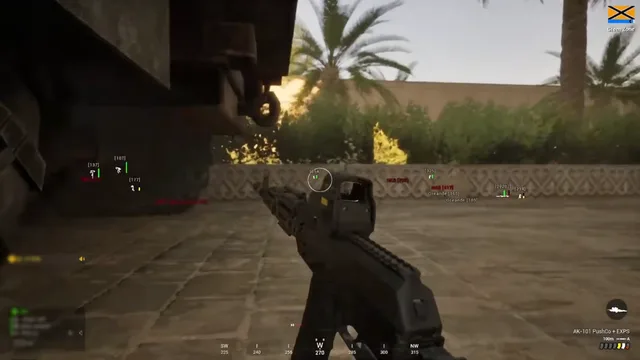
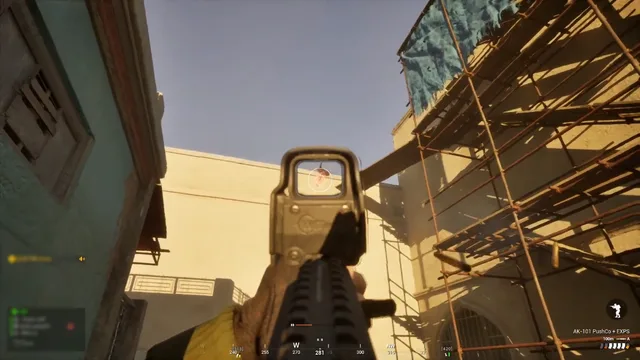
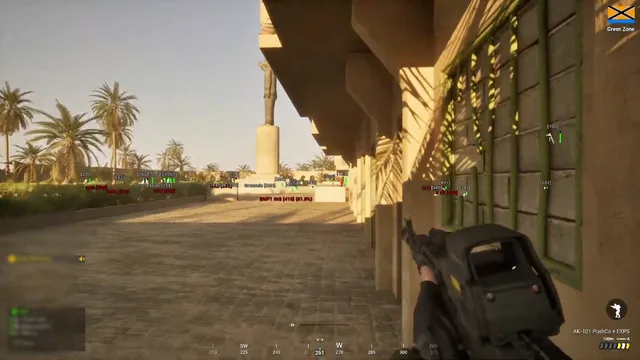
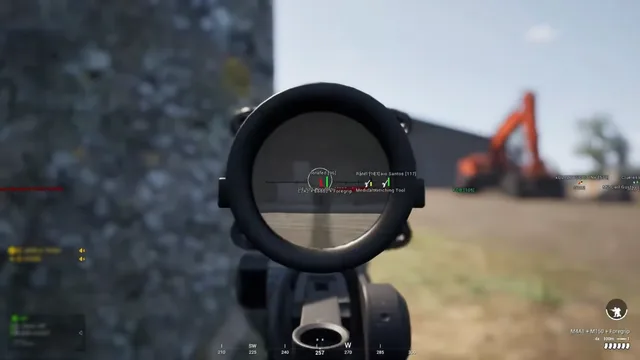
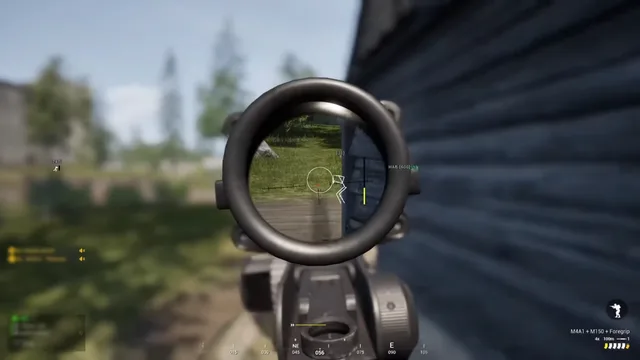
Use the screenshots above for Unlock All, below is what each layer means and how access works after checkout.
Browse tribal and premium weapon finishes locally on your client.
Swap uniforms and gear in the menu without Steam store purchases.
Search and favorite preview skins for content and testing.
Guides
Curated articles for setup, tuning, and patch-day checks that match this product.
Plain-language breakdown of aimbot, ESP, and wallhack in Squad, what each module does, what it cannot do, and how recoil still matters.
Step-by-step Squad loader setup for Steam, resolution, overlay bind, ESP presets, and a safe first pub match on EAC servers.
Role-by-role ESP priorities in Squad, infantry, medic, SL, crew, and logi, so overlays support comms instead of replacing them.
When ESP, radar, and light aim assist help in Squad, and when they hurt tickets, teamplay, and comms on 50v50 layers.
Use ESP and radar in Squad without ignoring SL comms, map marks, or ticket math, teamplay habits for 50v50 pub stacks.
New to Squad on Steam? Learn kits, squad roles, rally points, and FOB basics before worrying about advanced awareness tools.
FAQ
Answers tied to what you are reading, visit the FAQ page for every topic.